The Day I Lost My Manuscript!
Losing My Manuscript
I've lost my manuscript not once but twice.
The first time, I lost it on my computer.
The second time, I lost the backup.
Let me tell you about the two worst days of my writing life—and what they taught me about protecting your work before disaster strikes.
Everything Disappeared
I'd been working on my manuscript for four hours straight.
It was about three in the afternoon, and I was exhausted. I'd been using the “find” function in Word to search for words I'd overused. You'd be amazed at how many times you can repeat the same word without even realizing it.
I was deep in the work—finding, replacing, tweaking sentences.
And then I clicked something.
I don't know what. A button in the header. A menu option. Something.
And everything was gone.
The entire manuscript. Just... vanished.
The Panic
I tried every button imaginable. Nothing.
I googled "how to recover a deleted Word document." I tried every solution I could find. Nothing worked.
Then I noticed something that made my stomach drop: the auto-save button in the upper-left corner said: "turned off."
I always have auto-save on. But somehow, at some point during those four hours of editing, I'd turned it off. Or clicked it off. Or Word had turned it off.
I was home alone. And I completely fell apart.
I panicked. I cried. I tried to calm myself down. I googled more solutions. Nothing.
My husband came home and found me a mess.

Geek Squad to the Rescue
My husband looked at me, looked at the computer, and said calmly: "I'm calling Geek Squad."
We'd purchased a two-year service contract when we bought the computer. Best decision we ever made.
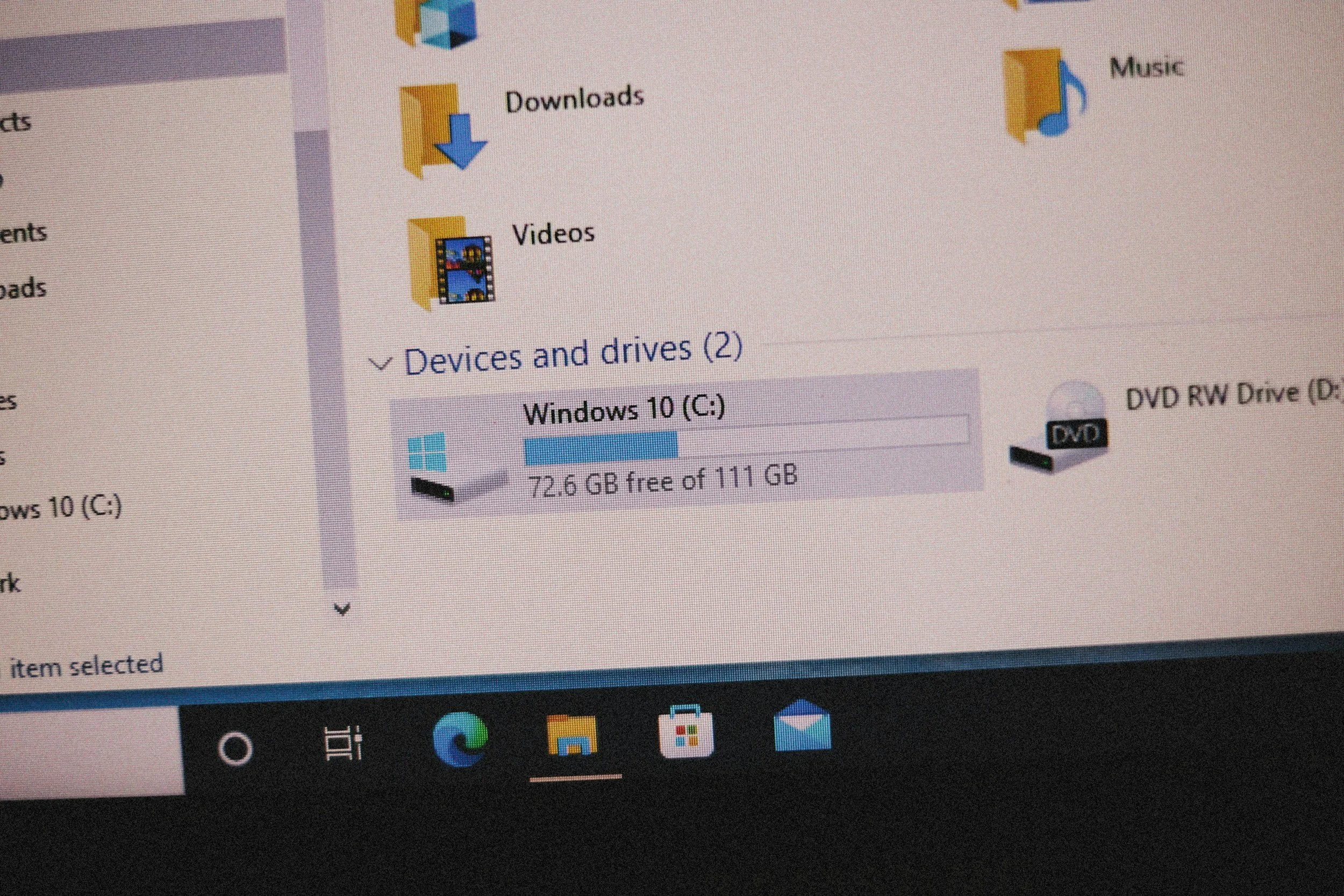
He called, put them on speaker, and I talked to a technician who walked me through my computer remotely. I watched as they navigated through files and folders I didn't even know existed.
And then they found it.
Saved at 2:30 p.m.—about thirty minutes before the disaster.
That meant about 85 percent of my work was still there.
I didn't care that I'd lost some of it. I was just relieved it wasn't all gone.
They recovered the file, placed it back on my computer, cleaned out anything I didn't need, and explained what had happened: I'd clicked a header option that turned off auto-save. After that, the manuscript—in that form—was gone.
By the time Geek Squad signed off, it was seven o'clock in the evening.
I sat back in my chair, exhausted, and posted a note on the wall in my office:
"Be careful what you click today—and be careful how you save."
The Solution: A Flash Drive
After that nightmare, I knew I needed a backup.
So I bought a flash drive.
Finally, I felt safe. I saved my manuscript to my computer and to the flash drive—double backup. I was smart. Prepared. Protected.
I diligently saved to both places every time I worked on the manuscript.
Nothing could go wrong now.


What Next? The Flash Drive Disappeared
I'd been working on the manuscript all day—making corrections, using Word editor, consulting the thesaurus and dictionary, again, trying to eliminate words I'd used too often.
At the end of the day, exhausted, I saved my work to the flash drive and placed it in my desk drawer.
The next morning, I had my coffee and went through my morning routine. I opened my desk drawer.
The flash drive wasn't there.
I stared at the inside of the cluttered drawer.
It has to be here. I put it here last night.
But I'd been really tired when I'd put it away. Maybe I'd put it somewhere else?
The Frantic Search
I backtracked through the house. The office. The kitchen. The bedroom.
Nothing.
I went back to the desk and took everything out, one item at a time. I cleaned it out thoroughly.
No flash drive.
I panicked.
I went through each room again, checking every table, every countertop, every surface.
Nothing.


Get Out and Walk
I did the only thing I could think of: I went outside. Got away from the situation.
They always tell you to remove yourself from the problem, right?
I turned on some gentle music, put in my earbuds, and headed out the door.
After about 30 to 40 minutes of walking, I had calmed down and felt refreshed.
I decided to take another look.
I'll start with the desk, I thought.
The Flashlight
I opened the drawer and stared at what was now an organized space.
Then I noticed something: on the side of the desk drawer, there's a track—the groove the drawer slides along.
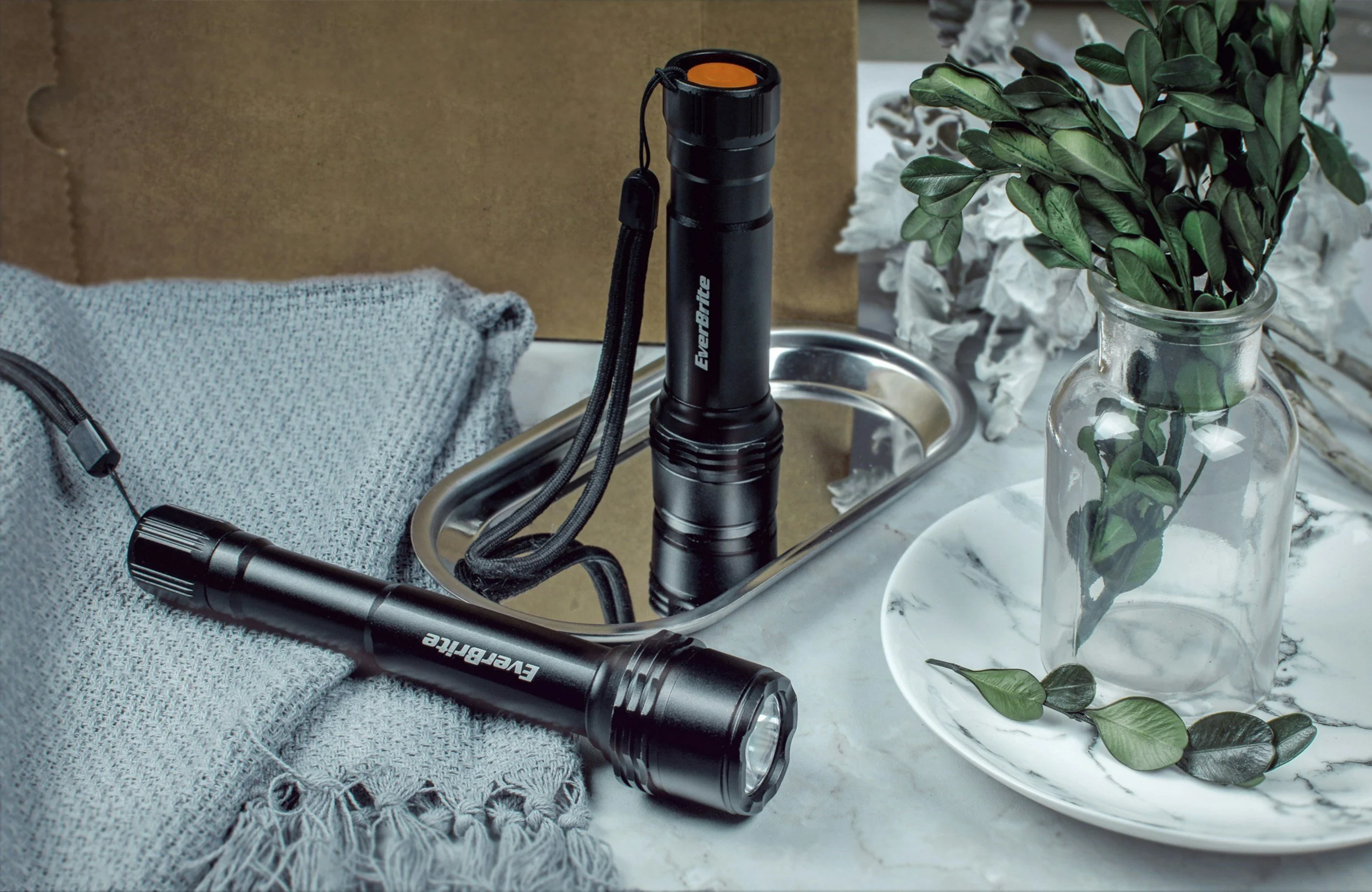
I grabbed a flashlight.
I pressed the button to illuminate the light, turning it on in the space between the drawer and the right side of the desk. Behind the drawer. At the end of the track.
And there it was.
My flash drive had gotten stuck in the track and was lying in the tiny space behind the drawer.
I started crying.
Relief. Exhaustion. The ridiculousness of it all.
It had been there the whole time.

What I Learned
Lesson from the lost manuscript: Always have a backup. Always keep auto-save on. And if disaster strikes, don't panic—call for help. Your work is probably recoverable.
Lesson from the lost flash drive: Put it in the same place every single time. No exceptions. Even when you're exhausted.
Lesson from both: Technology fails. Human error happens. You need more than one backup. You need three.
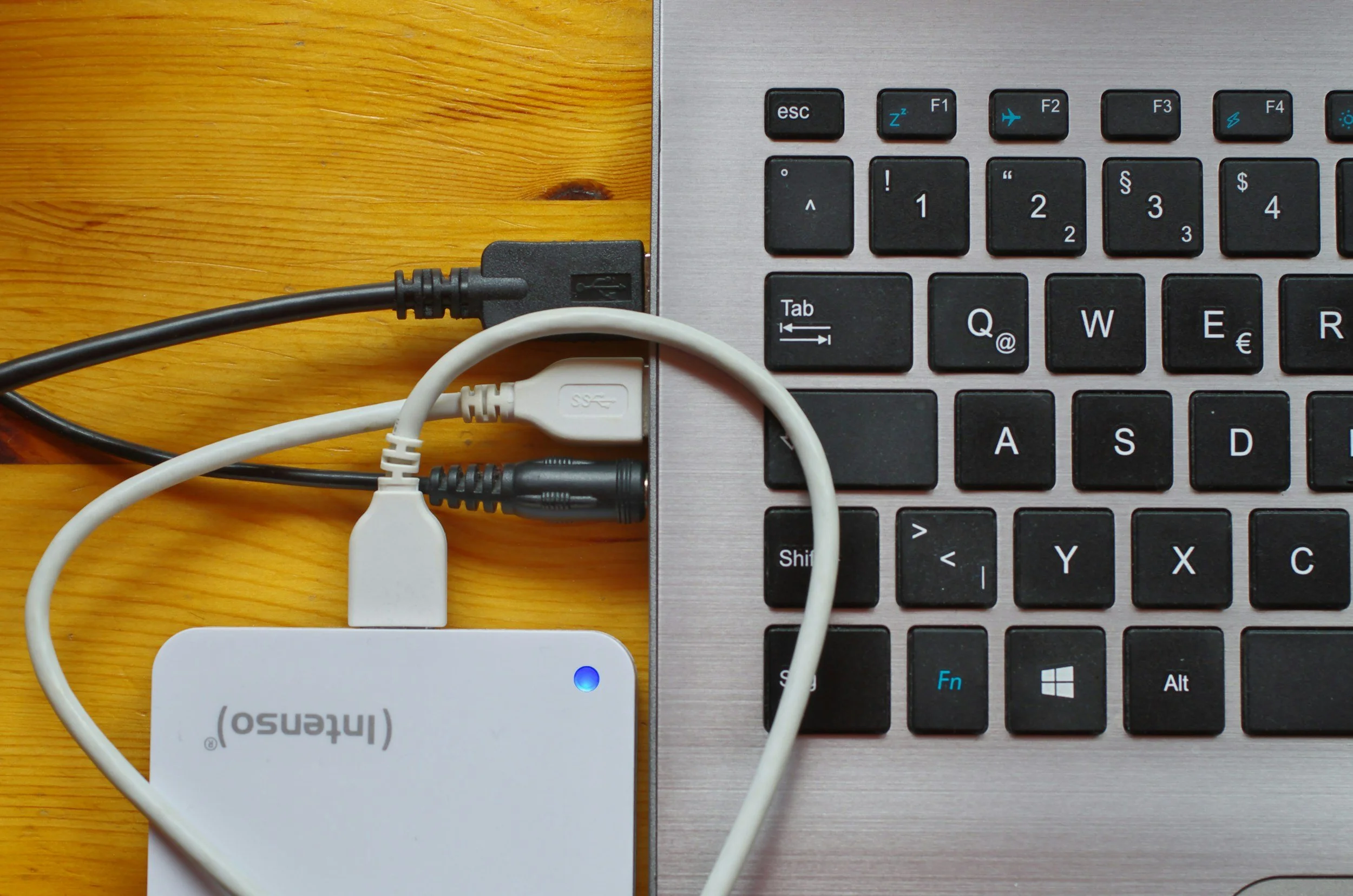

My Backup System Now
Here's what I do now, every single time I work on my manuscript:
1. Auto-save is always ON. I check it obsessively.
2. My computer saves automatically to a backup folder.
3. I save to my flash drive at the end of every writing session.
4. My flash drive goes in the SAME SPOT on my desk. Every time. No matter how tired I am.
5. I check three times before I exit my laptop and then push save.
Am I paranoid?
Yes.
But I'll never go through that terror again.
Suggestions For You
If you're writing a novel—or anything you care about—back it up. Right now.
Not tomorrow. Not after you finish this chapter. Now.
Here's what to do:
Turn on auto-save in Word (or whatever program you use)
Save to your computer
Save to a flash drive or external hard drive
Consider cloud storage (Google Drive, Dropbox, OneDrive)
Put your flash drive in the same place every time
If disaster strikes and you lose your work:
Don't panic (okay, panic a little—it's terrifying)
Take a walk. Breathe.
Call for help. Geek Squad, a tech-savvy friend, or anyone who can walk you through recovery options.
Your work is probably recoverable. But don't wait until it happens to find out.
The Note on My Wall
I still have that note posted in my office:
"Be careful what you click today—and be careful how you save."
It reminds me every single day: This manuscript is precious. It's worth protecting.
Eighty thousand words. Months of work. Dreams on a page.
I've lost it twice.
I won't lose it again.
- Dianne
Enjoyed this post? Subscribe to the Delusion for honest stories from the query trenches—new posts every week or two, no spam, just real talk.